
 EN
EN  SV
SV The useful loop
AlmRecorder is built around one repeatable workflow: capture a conversation, verify what happened, find it later, and decide whether an agent may use it.
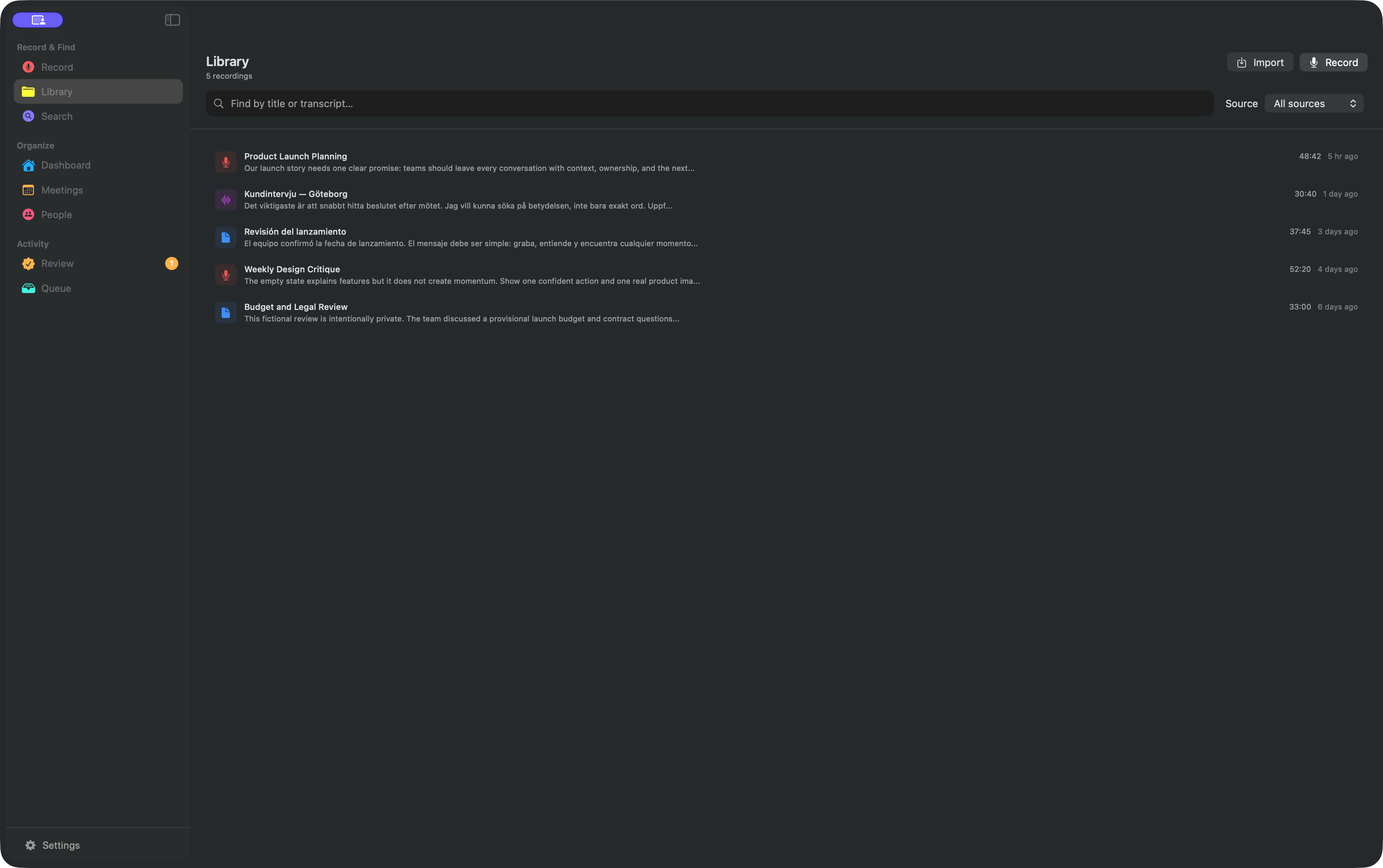
1. Capture or bring in audio
Record microphone and system audio as separate tracks, import common audio files, or connect Apple Voice Memos. AlmRecorder detects the language during transcription.
2. Make the transcript trustworthy
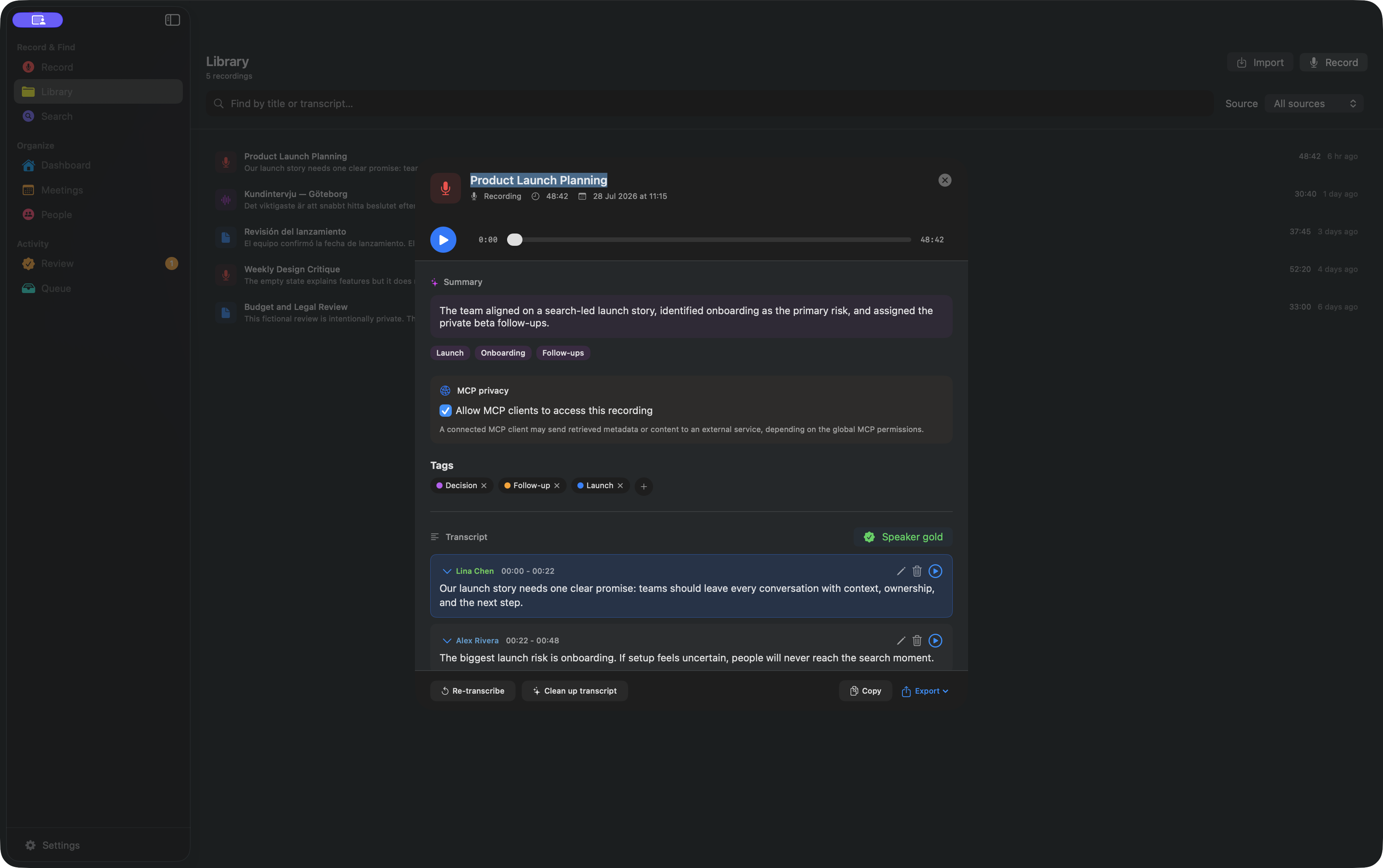
Every line stays linked to its speaker, timestamp, and source audio. Correct names, review uncertain cleanup suggestions, and use tags to mark projects, decisions, or follow-up context.
3. Ask what you remember
Use exact words when you have them, or describe the idea. Best search combines keywords and local semantic matching. Moment matches open at the relevant timestamp; a title-only match opens the recording.
4. Connect an agent deliberately
AlmRecorder includes its MCP bridge. There is no separate server package to install. Metadata, content, and writes are separate grants; recording and privacy-tag denials override them all.