 EN
EN  SV
SV Start with three checks
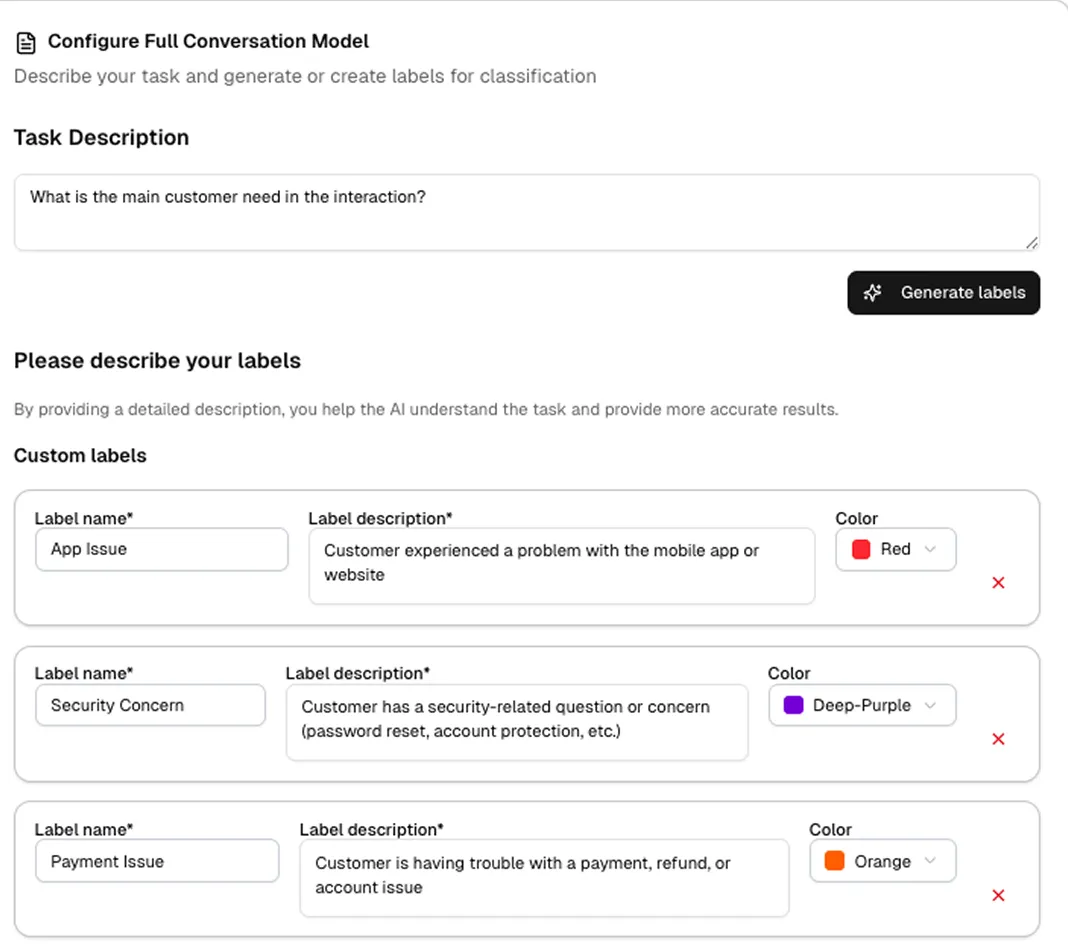
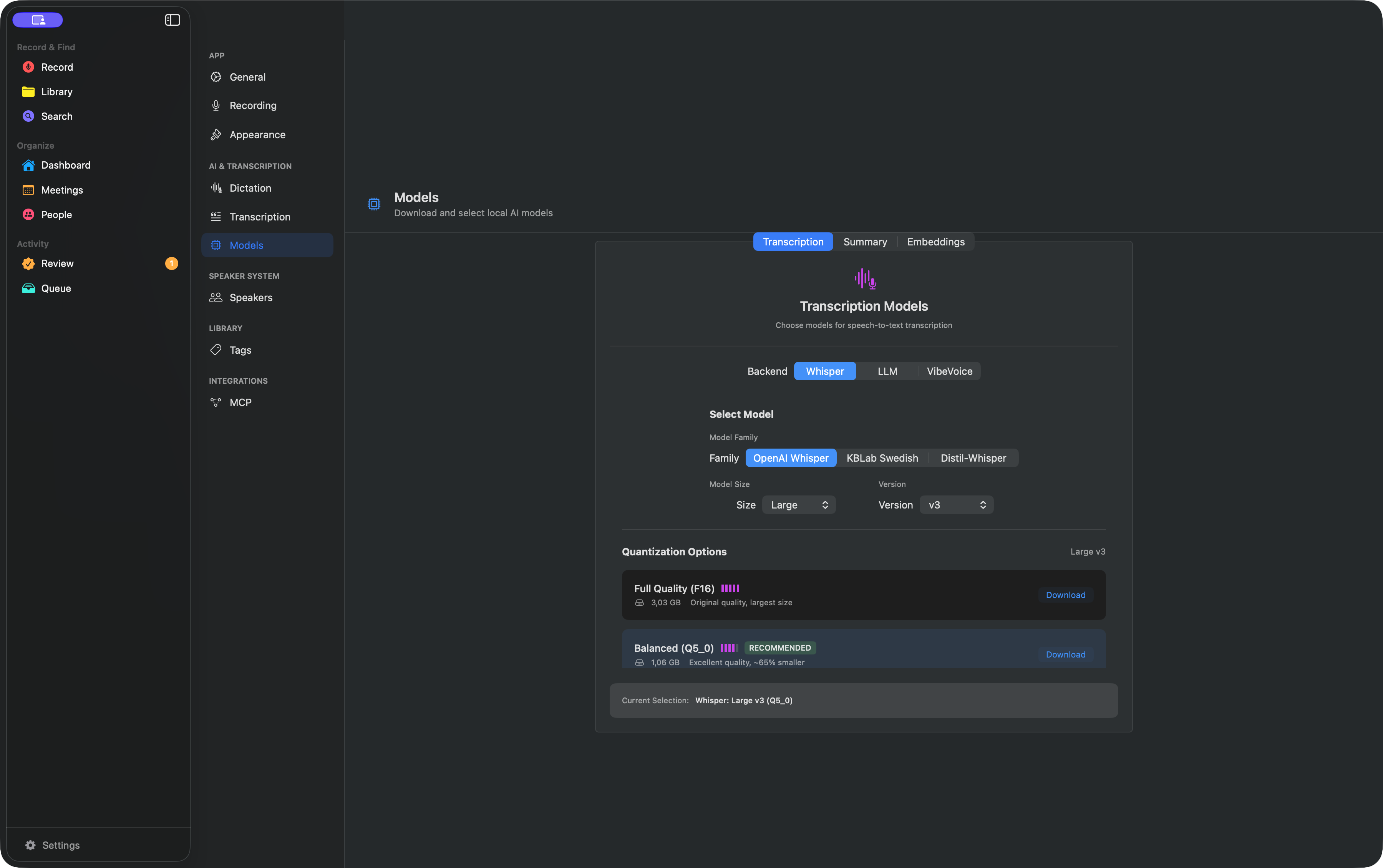
- Settings → Models: is the selected model downloaded?
- Queue: is work pending, active, waiting for a model, or failed?
- System Settings: does this feature have the permission it actually needs?
The app will not open
The current release is not Apple-notarized. Move it to Applications, Control-click it, choose Open, and confirm. If needed, use System Settings → Privacy & Security → Open Anyway. Do not keep running from the mounted DMG.
A download stalls or transcription does not advance
- Keep AlmRecorder open and confirm a stable connection plus enough free disk space.
- Retry the individual model in Settings → Models.
- In Queue, confirm that the original imported file still exists.
- Try a short test recording with no private content to separate a model problem from a source-file problem.
Maximum-quality refinement stays pending
This does not prevent the saved VibeVoice transcript or Keyword search from working. The background Whisper and Gemma refinement stages wait when:
- a required model or the VibeVoice runtime is not installed;
- a new recording or foreground transcription is active;
- the nightly window, 22:00–07:00 by default, has not started; or
- macOS cannot provide the selected model with safe memory headroom.
Open Settings → Nightly Transcript Quality to see the exact stage and reason. For maximum quality, free memory and leave Gemma 4 12B Q5 selected. If the Mac routinely runs a virtual machine or Docker overnight, choose the smaller Gemma E4B Q4 fallback explicitly; AlmRecorder never downgrades the model silently.
My voice records, but other people are missing
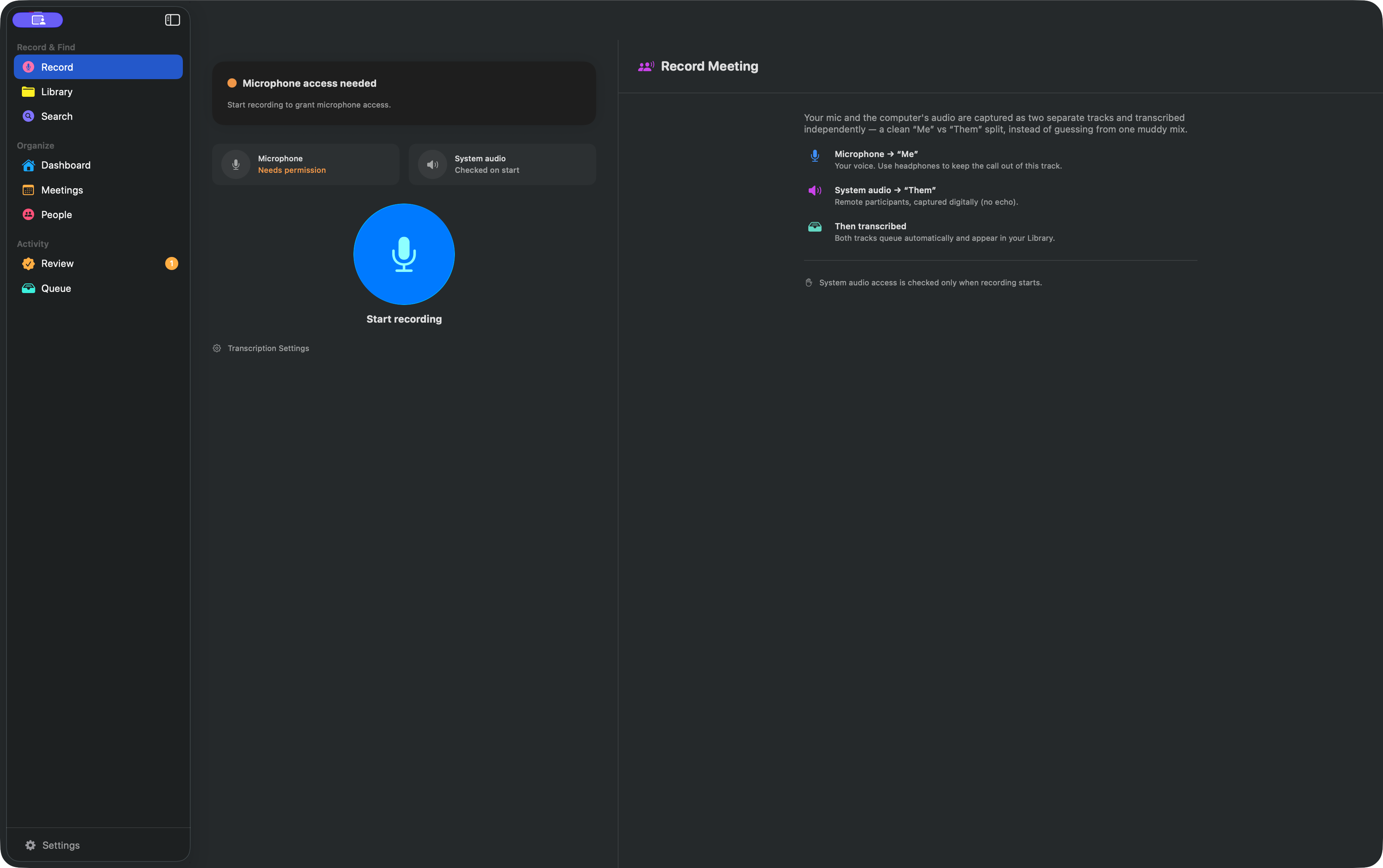
Microphone records you. Remote participants normally require System Settings → Privacy & Security → Screen Recording. Enable AlmRecorder and reopen it if macOS asks.
Voice Memos starts older work
Connecting the folder can discover existing unprocessed memos. Review Queue. To stop monitoring, open Transcription → Process Voice Memos and use Stop in that view.
Realtime dictation does nothing
Experimental realtime dictation requires Microphone and Accessibility before it can monitor the global shortcut and insert text. Enable AlmRecorder under System Settings → Privacy & Security → Accessibility, then confirm the realtime dictation model is installed.
Meeting prompts do not appear
In Settings → General, enable Offer to record my meetings. Meeting detection also needs System Settings → Privacy & Security → Calendars; prompts need System Settings → Notifications → AlmRecorder. AlmRecorder must already be running.
Semantic search is unavailable
In Settings → Models, install the embedding model. Let the Embeddings queue finish; use Keyword search while it builds. MCP never downloads or loads that model implicitly.
An MCP client cannot connect
Check in order:
- AlmRecorder is in Applications and open.
- Settings → MCP says the server is listening.
- The client has the generated command and token. Use the generated socket value when supplied; the socket environment variable is optional and otherwise uses the standard local path.
- The
almrecorderentry was merged without deleting other servers. - The app has not moved since the configuration was copied.
- Configuration error: the MCP token is missing/blank, or the configured socket path is too long.
- Unauthorized: the token is wrong or was rotated.
- Forbidden: the requested content or write grant is off.
- Not found: the ID is missing or stale, or the recording is hidden directly or by a privacy tag.
When reporting a problem, include the app version, macOS version, Mac model, selected models, the visible error, and whether the same issue appears with a short test recording. Never post private audio, transcripts, MCP tokens, copied client configuration, or identity labels to a public issue.