
 EN
EN  SV
SV Your library is local by default
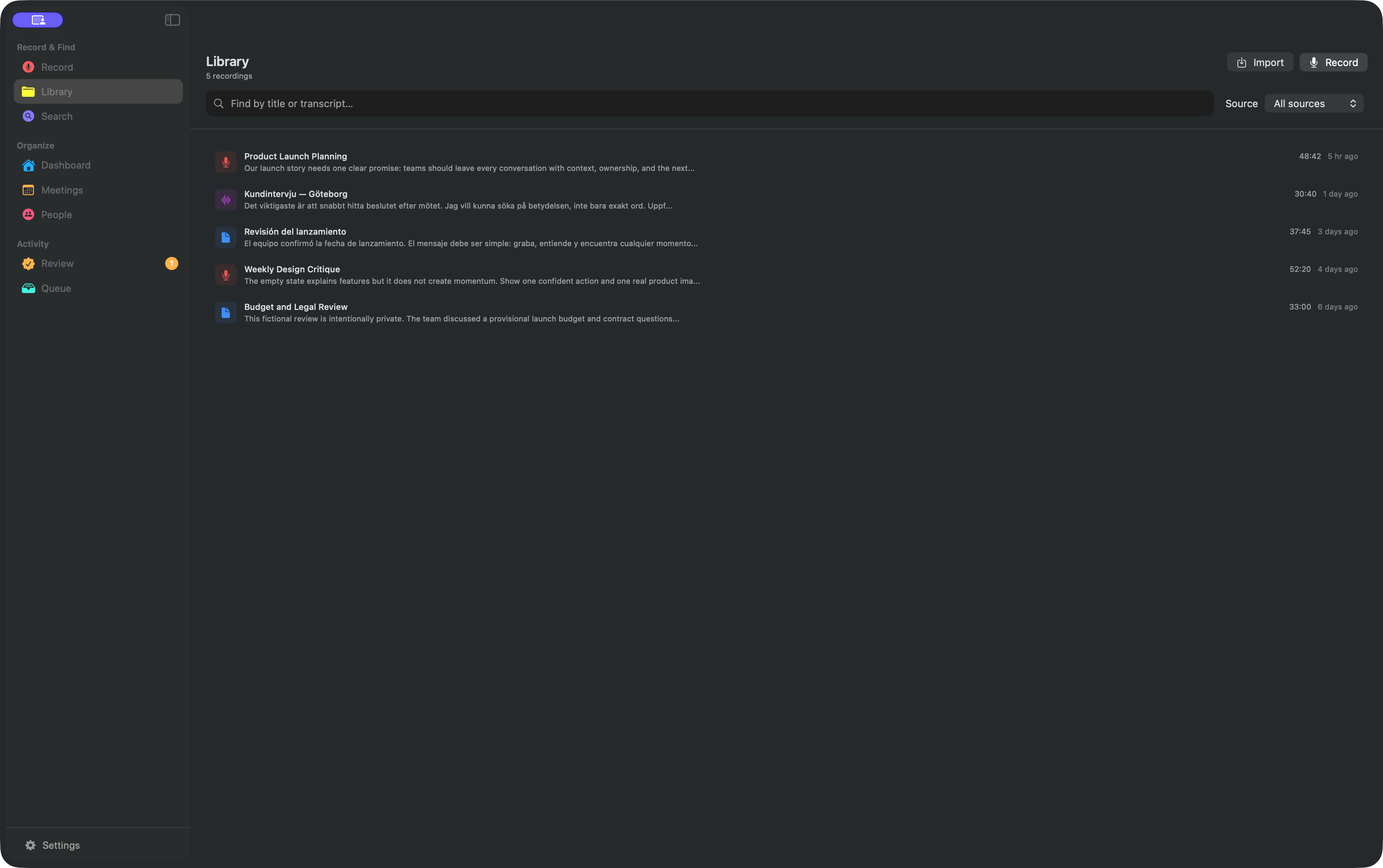
AlmRecorder records, transcribes, creates embeddings, searches, and generates insights on your Mac. It does not require an account or hosted transcription service. Setup and later model changes use the internet to download public models and runtimes.
Know where every file lives
- The database, search index, models, and most app-managed data live under
~/Library/Application Support/AlmRecorder/. - Some preferences live separately in macOS app preferences (
UserDefaults). - The current meeting recorder writes microphone, system, and merged audio into
~/Documents/. - Imported audio stays at the path you selected.
- Voice Memos stay in the Apple folder you granted access to.
- Older or alternate recording flows may use
~/Library/Application Support/AlmRecorder/Recordings/.
Deleting a library record does not guarantee deletion of an original import or Voice Memo. Review the source location when removing sensitive audio.
macOS permissions are feature-scoped
- Microphone: your side of a new recording.
- Screen Recording: Mac system audio and remote participants.
- Accessibility: required before experimental realtime dictation can monitor the global shortcut and insert text.
- Calendar: optional meeting detection.
- Notifications: optional meeting prompts.
- Folder access: files and Voice Memos you choose.
Imported audio can be transcribed without Microphone or Screen Recording access.
MCP is a deliberate boundary
MCP is off until you enable it. The server uses a user-only local socket and a secret token, but the connected client may send permitted data to an external model provider.
Existing and future recordings are MCP-visible by default. You can deny one recording directly or apply a privacy-blocking tag to a whole category. Denials override metadata, content, and write grants.
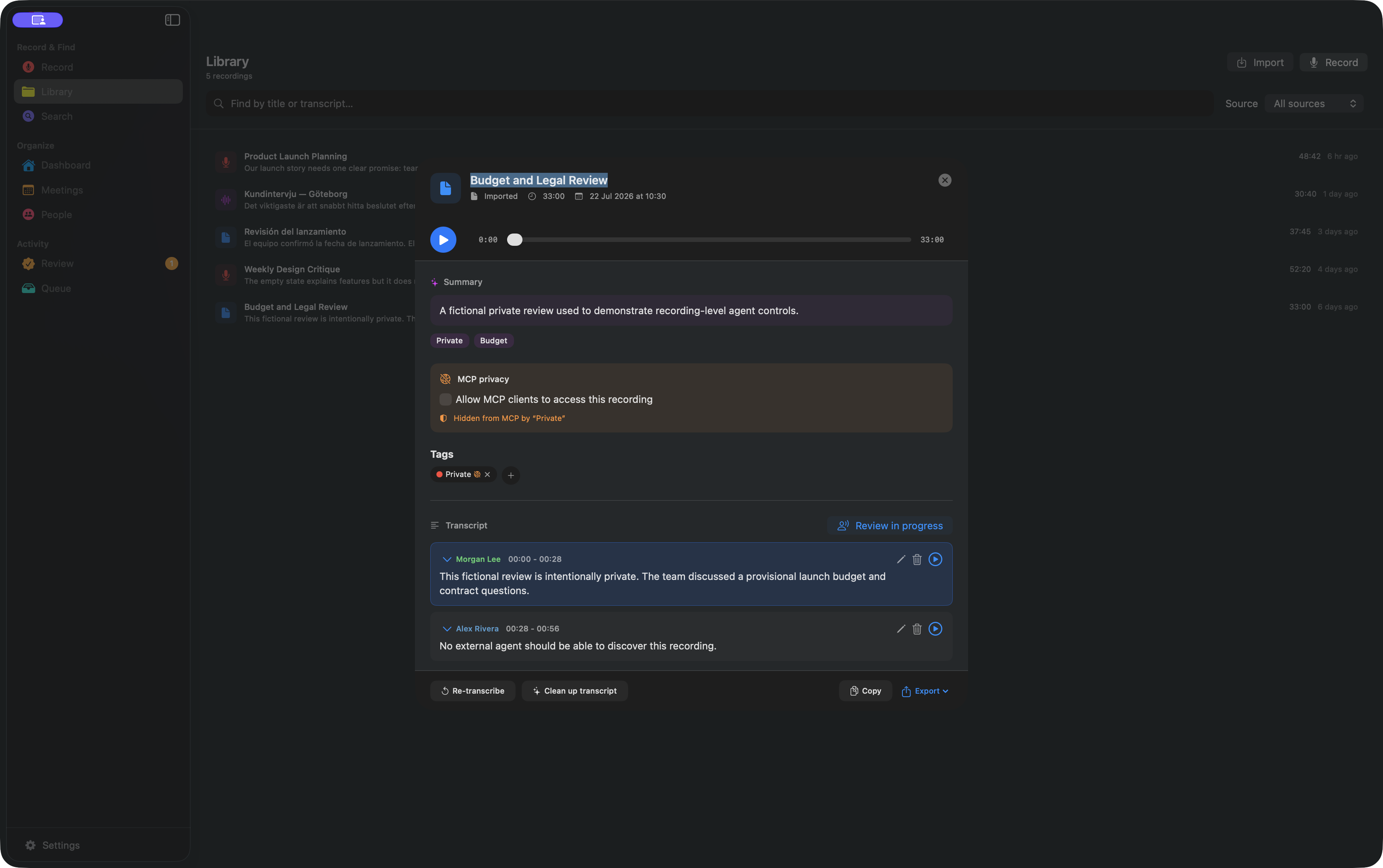
MCP reads and changes are recorded in a local audit log without putting transcript content or secret tokens in the log entry. Copied client configurations share the same credential and global grants; rotating the token revokes them all.
Cleanup stays reversible
Likely transcription artifacts can be hidden without destroying the original text. Uncertain lines wait in Review, and the source audio remains the final reference.
Back up or erase deliberately
Back up Application Support, relevant macOS app preferences, and every source-audio location you want to keep. Clear All Data resets the library database and some app-managed caches and exports. It does not erase app-managed Recordings, models, every preference, the MCP credential or grants, server state, audio in Documents, original imports, or Voice Memos.
Before handing off the Mac, disable MCP, rotate its token, remove client configurations, and then remove the remaining AlmRecorder storage, preferences, and source audio you no longer want. Uninstalling the app alone leaves local data behind.
AlmRecorder is Apache-2.0 licensed. Inspect the source and use the project’s security reporting process for sensitive issues.